Goals
Routes, coverage, flag pull… in four groups: general, offense, defense and special teams. Created right from the drill.
A time-slot grid where you drag drills from your library, add breaks and this week's install. You take attendance from the app, measure physical tests and know which goals you have practiced this season.
Mockup of the CLOOB practice planner: time-slot grid with drills and a playbook block, planned time, attendance confirmation and, on the phone, the session with planned time, goals and the hour-by-hour agenda.
CLOOB follows the order a coach thinks in: first what a drill is for, then the drill, then the day and finally what happens in each time slot. A drill without a goal still gets practiced, but it does not count in any report.
Routes, coverage, flag pull… in four groups: general, offense, defense and special teams. Created right from the drill.
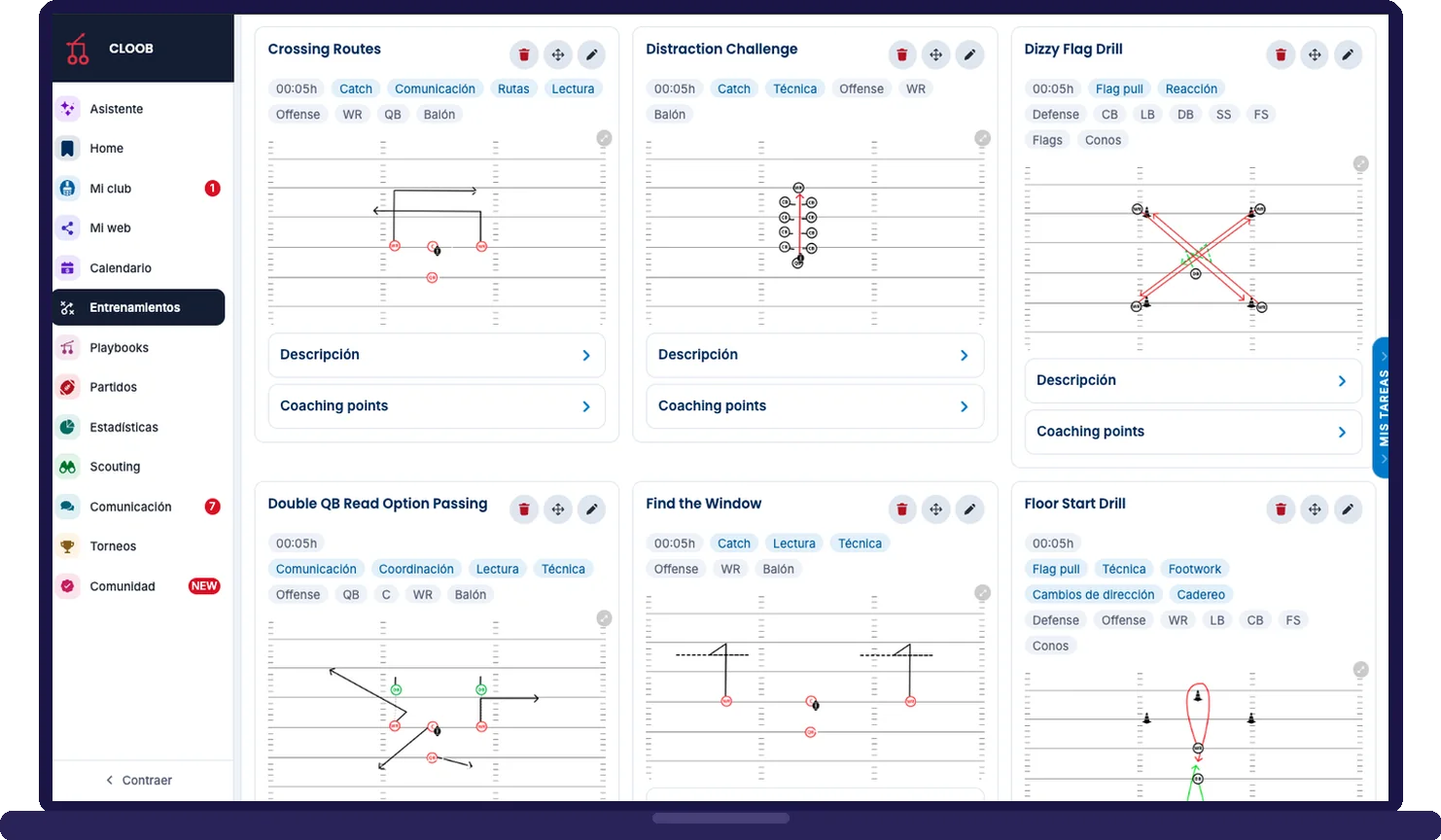
Your library by folders, with diagram, coaching points, equipment and video. Includes 33 official CLOOB drills.
Day, time and category. With "+ Add day" you set up the week or the month in a single pass.
What happens in each slot: drills, breaks and playbook blocks, with columns for groups working at the same time.
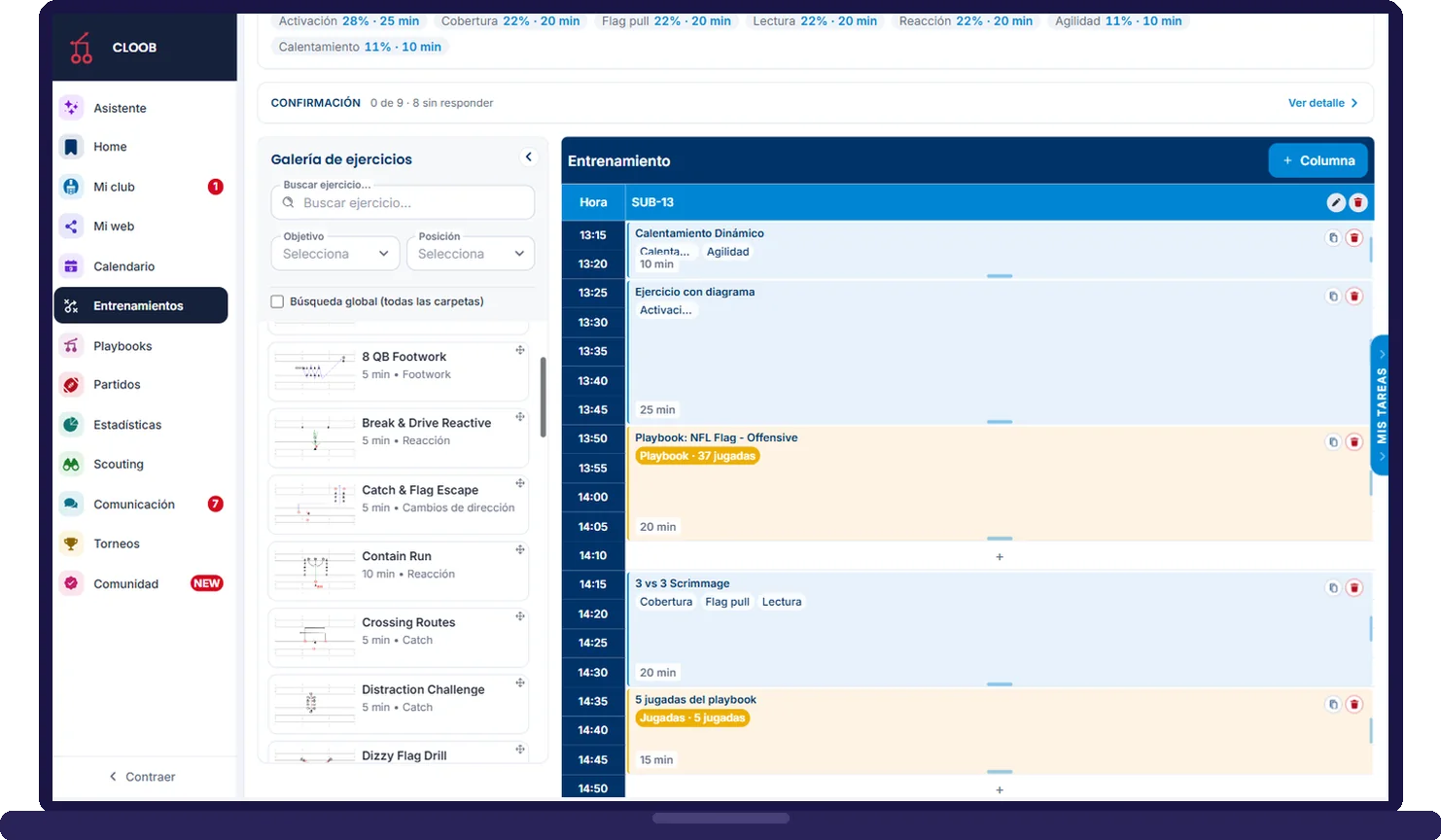
The header tells you how much time you have planned, which playbook is being practiced, which goals the session works and how many players have confirmed. Below, the grid: you drag a drill from the gallery or tap a free slot and choose what goes there.
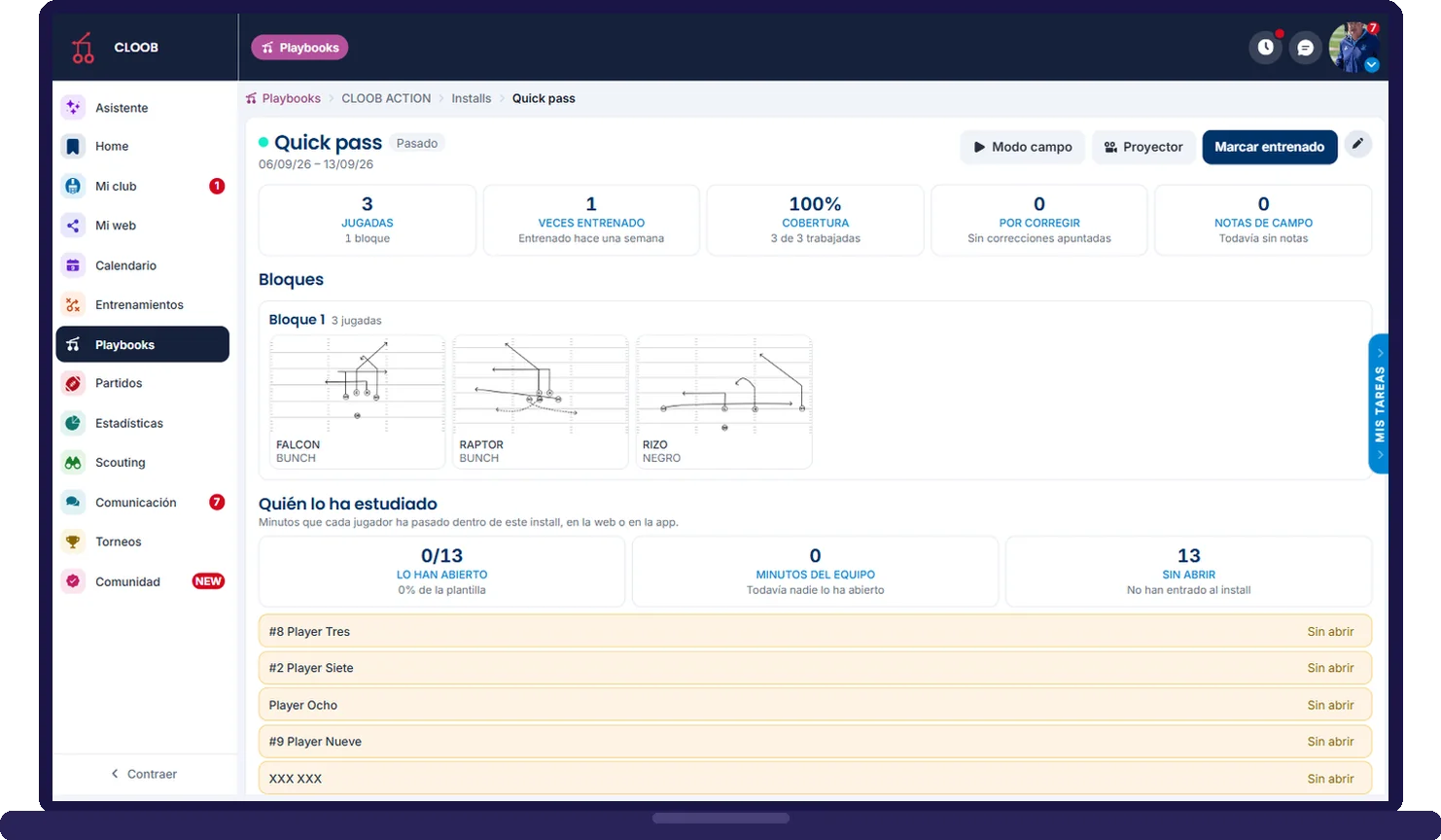
In the planner's Playbook tab you pick the playbook and what is going to be practiced: an install (the most common), a few loose plays to review what went wrong on Sunday or the full playbook before a game. The duration is suggested based on the plays and the block points to the install: if the install changes, the block changes with it.
Players answer from the app whether they are coming to practice or not, and that feeds the coach's confirmation counter. On the field, the coach marks present, absent or late, and the stats per player, category and season update on their own.
Plan, run and evaluate every practice from one place, with tools designed for American football and flag football coaches.
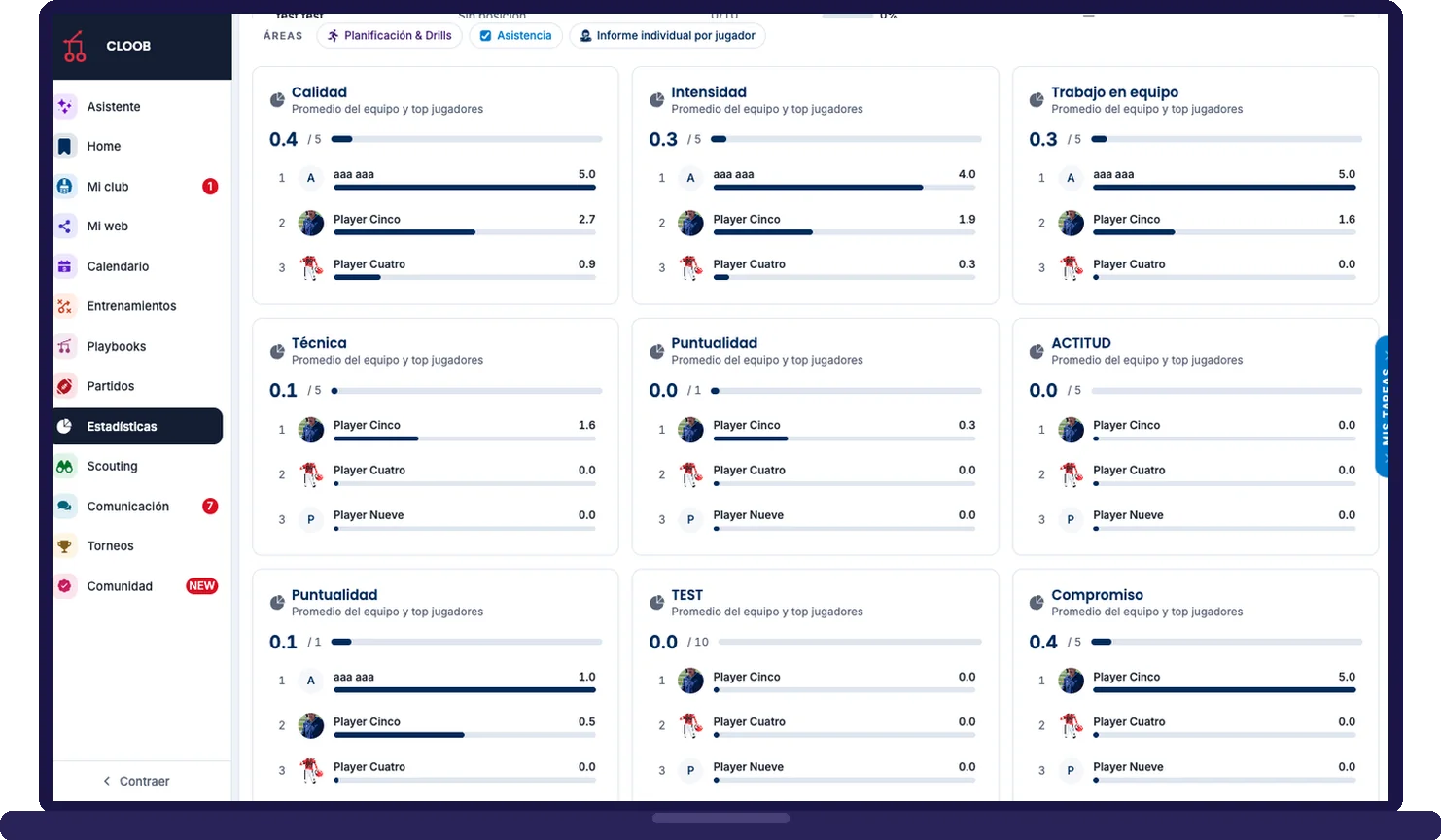
In Stats you see the most worked goals, minutes per goal and how well you are following the technical plan. And in Physical tests you log the 40-yard dash, jump, weight or whatever you define by position or category, with each player's progress in charts.
Mockup of the CLOOB mobile app, the practice session: 1 h 10 min planned out of 2 h, the session playbook, goals worked with their percentage and the hour-by-hour agenda with warm-up, drill and playbook.
Mockup of the CLOOB mobile app, the player’s install of the week: three plays, 100% coverage, study minutes, the last quiz score and the study mode and flashcards buttons.
Mockup of the CLOOB mobile app, the player’s hypertrophy routine: muscle groups, today’s attendance proof with a note for the coach, and the first exercise with its illustration.
You create strength and conditioning routines with video, sets and reps, and nutrition plans, and assign them to players or categories. Players follow them from the app and also have their private tracker: habits, sports journal, physical condition and injuries.
Turn on only the modules you need. They all share the same players, the same calendar and the same history.
Fees, online payments, accounting, signed documents, roster and club calendar in one panel.
Club equipment tracked by player and official merchandise on sale in minutes.
Your team's site, with results, roster and news always in sync.
Clooby organizes tasks, checks payments, creates practices and analyzes your team.
Draw plays, install them week by week, practice them and know who is studying.
Minute-by-minute planner, attendance, drill library, physical tests and gym routines.
Call-ups answered from the phone, scores by quarter, stats by player and video analysis.
Formations, tendencies by down, key players and video clips to prepare every game.
Tour CLOOB from the inside with your team name, or book a call and we will walk you through the platform using your team as the example.